3.5.2 Settings
The Settings interface provides access to the software's global settings. Click the "Settings" button to open it.

1. Language
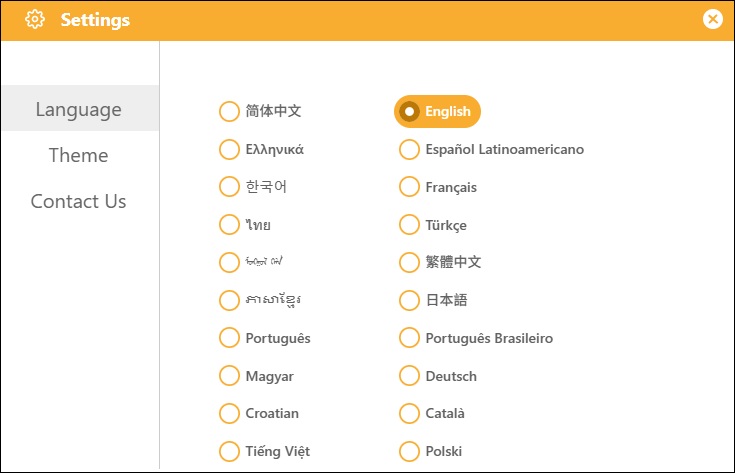
Supports 20 different languages, selectable by the user, to meet a wide range of user needs.
2. Theme
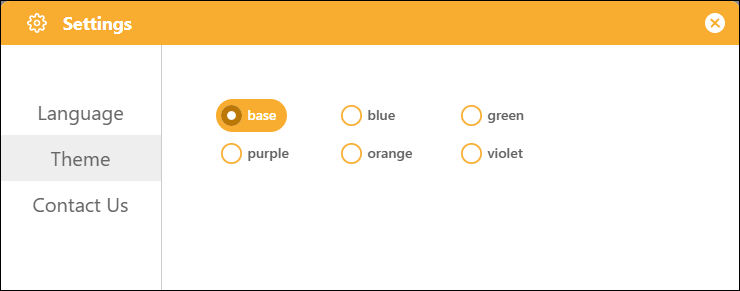
It supports six different themes, allowing you to change the overall color scheme of the interface to suit different user preferences.
3. Contact Us
Find our official contact information under "Contact Us" in the settings, join our study group, and connect with other users to learn together.