3.1.3.5 Control
Control blocks are used to implement logical control of program flow, such as conditional statements, loops, or wait operations, helping the program make decisions based on different situations and run in an orderly manner.
| blocks | Note |
|---|---|
 | Wait for 1 second; the program will remain in its current state for one second. |
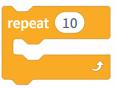 | Execute 10 times; the program in this loop will run 10 times. |
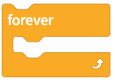 | The program runs in a loop. |
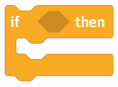 | If |
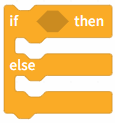 | f the |
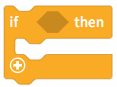 | If the |
 | Wait until the |
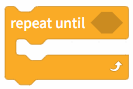 | Repeat the program in this loop until the |
 | Stop all scripts or the current script; all programs or the program containing the current block will stop running. |
 | Triggered when the clone is launched, used to control the clone's specific behavior. |
 | Cloning yourself—that is, duplicating your own character—will trigger the clone's activation function. |
 | Delete the clone containing the current program. |