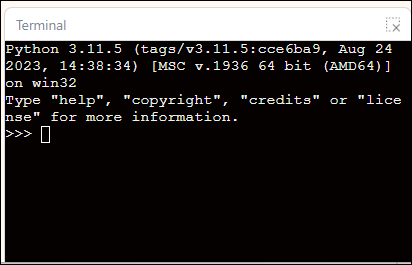
3.4.8 Terminal Display Area
The terminal display area is used to show the output and debugging information generated while the program is running. When you run a Micropython block program, everything printed using the print statement will be displayed in real time in this area, helping you observe the program’s execution and verify that the logic is correct. In the terminal display area, you can:
- View the program's results and output;
- Observe changes in variable values or sensor data feedback;
- Debug the program logic and identify errors;
- In some cases, data is entered to interact with the program (such as when keyboard input is required).
The terminal display area serves as a bridge between the "program logic" and the "execution results," playing a crucial role in understanding how Python blocks are executed and in debugging projects.