3.1.3.8 Variables
Variable blocks are used to create and store dynamic data, such as scores, counts, or text information. Users can record and pass data within a program by setting or modifying the contents of these variables.
| blocks | Note |
|---|---|
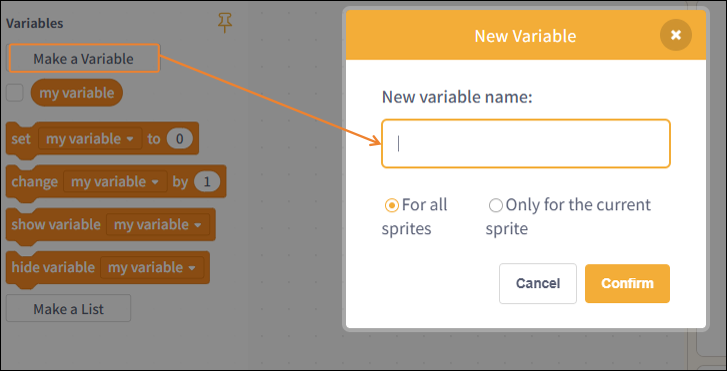 | Create a new variable and set its scope. |
 | Retrieve the value of the variable "my variable"; check this box to display the value on the stage. |
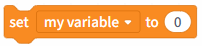 | Set the value of the variable my variable to 0. |
 | Increment the variable my variable by 0. |
 | Display the variable "my variable" on stage. |
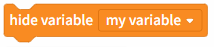 | Hide the variable my variable in the scope. |
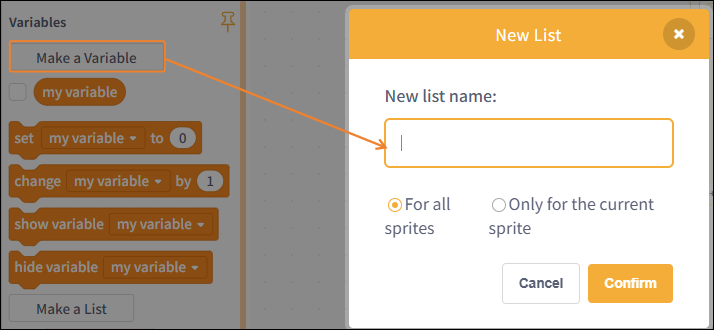 | Create a new list and set a name for it; the name cannot be left blank. |
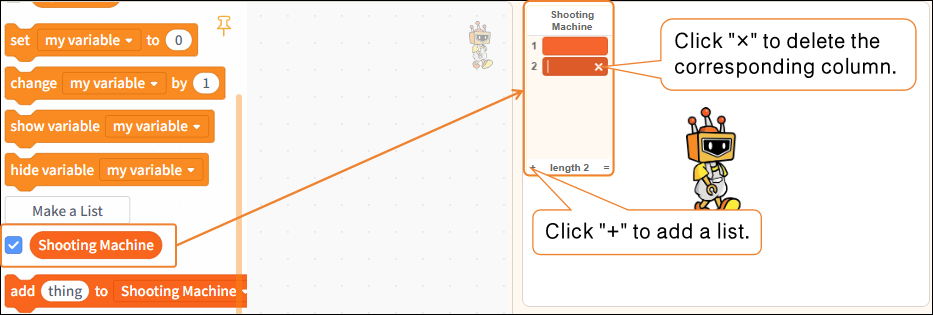 | Set the list name here to "Basketball Machine," and check the "List: Basketball Machine" box in the command area to display it on the stage. |
 | Add a new list item named "thing." |
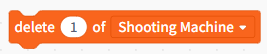 | Delete the first item from the "Shooting Machine" list. |
 | Delete all items from the "Shooting Machine" list. |
 | Enter 1 in the first field of "Shooting Machine"; you can modify any of the specific values. |
 | Replace the first entry in "Shooting Machine" with 1; all other values can be modified. |
 | Retrieve the first item from the "Shooting Machine" list. |
 | Get the ID of the first "item" in the "Shooting Machine" list. |
 | Get the ID of the first "item" in the "Shooting Machine" list. |
 | Determine whether the "Shooting Machine" list contains "thing." |
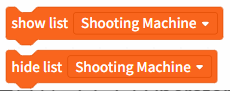 | Show or hide the "Shooting Machine" list. |