3.1.2 Settings
The Settings interface contains the software's global settings. Click the "Settings" button to open it.

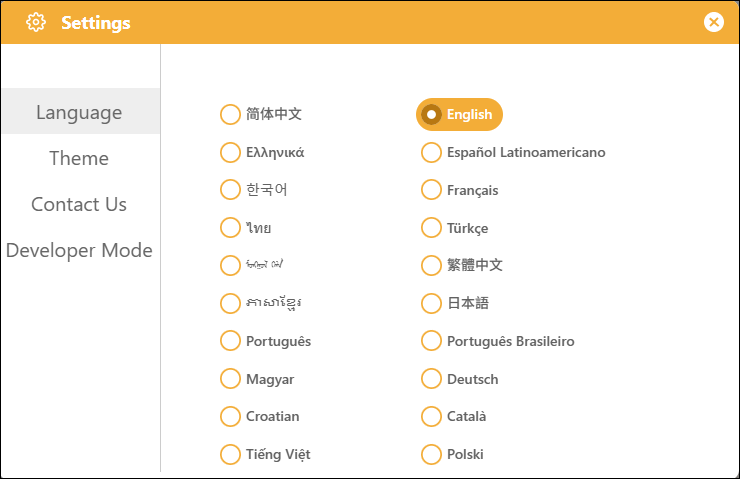
1. Language
Supports 20 different languages, selectable by the user, to meet a wide range of user needs.
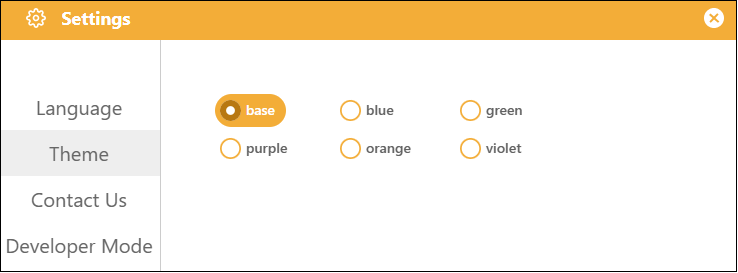
2. Theme
It supports six different themes, allowing you to change the overall color scheme of the interface to suit different user preferences.
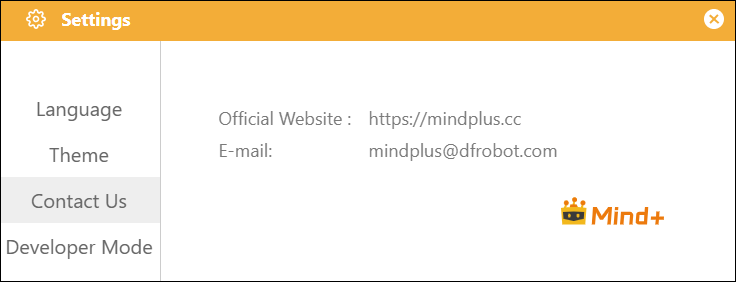
3. Contact Us
Find our official contact information under "Contact Us" in the settings, join our study group, and connect with other users to learn together.
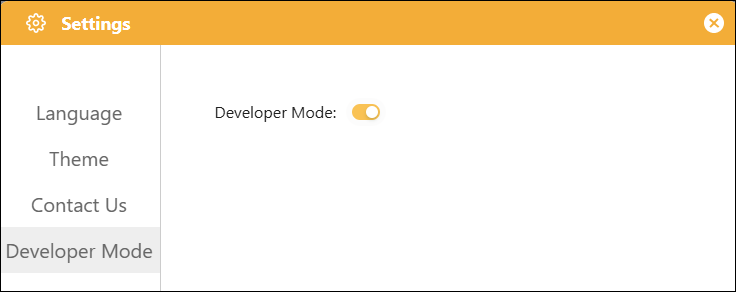
4. Developer Mode
Developer Mode is an advanced feature toggle for Mind+, available to developers and advanced users. Once enabled, users gain access to custom graphical block development, hardware driver library creation, and the ability to import third-party extension packages, allowing them to expand functionality beyond what is built into the official version.
Recommendations for use:
- Use cases: Custom extension development, debugging underlying issues;
- Non-essential scenarios: For basic graphical programming instruction and routine project development, there is no need to enable this mode.